Install PlanePuck
Flash a fresh PlanePuck right from your browser
Or pick your device
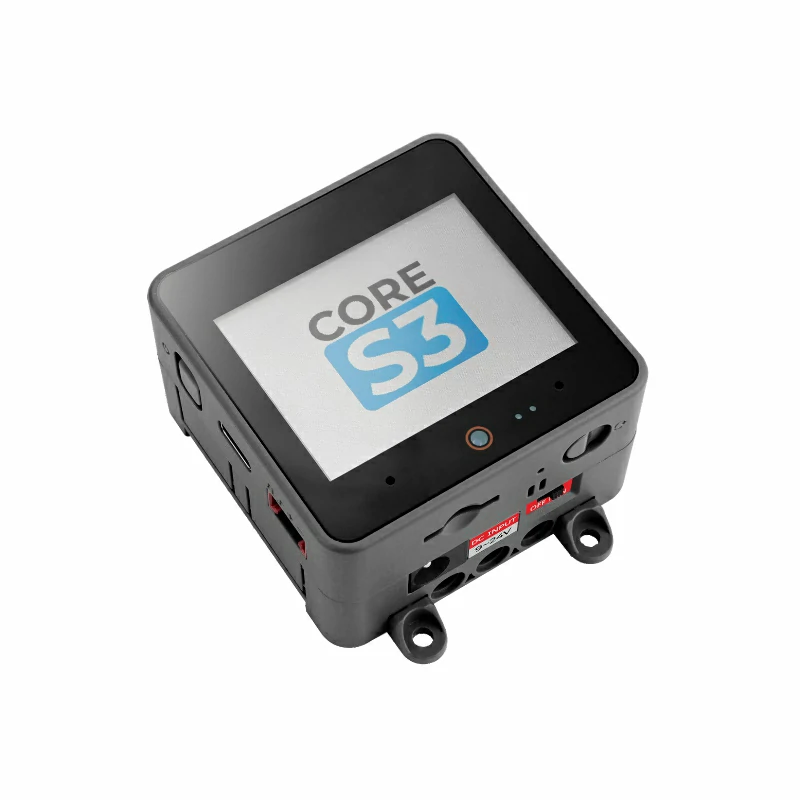
M5Stack CoreS3
square screen

Waveshare 1.85"
round screen
- Plug your PlanePuck into this computer with a USB-C data cable.
- If it already runs PlanePuck, click Detect connected board; otherwise tap your device above.
- Click Install PlanePuck and choose the device's serial port.
- On a brand-new device, accept Erase device; the install takes ~1–2 min.
- When it reboots, join the
PlanePuck-SetupWi-Fi from your phone and enter your home Wi-Fi. That's it — everything else sets itself up.
No serial port listed? Install the USB driver for your board and use a cable that carries data (not charge-only).
PlanePuck · first flash is over USB; updates after that are over the air